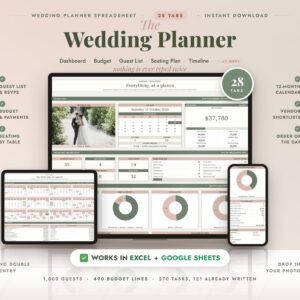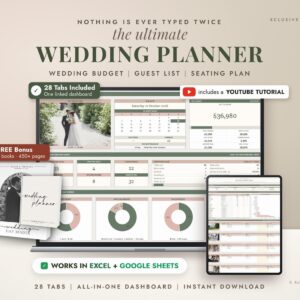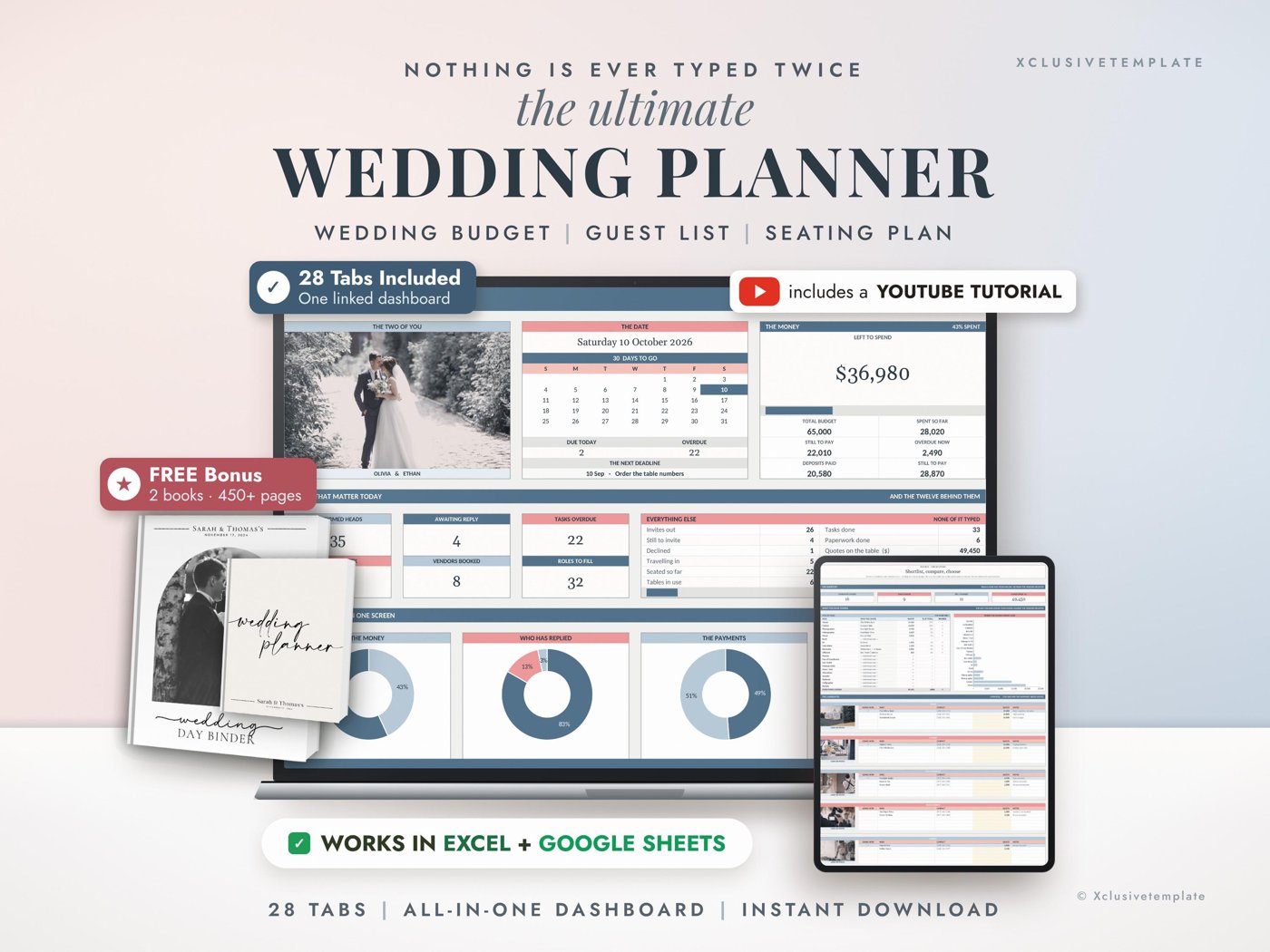
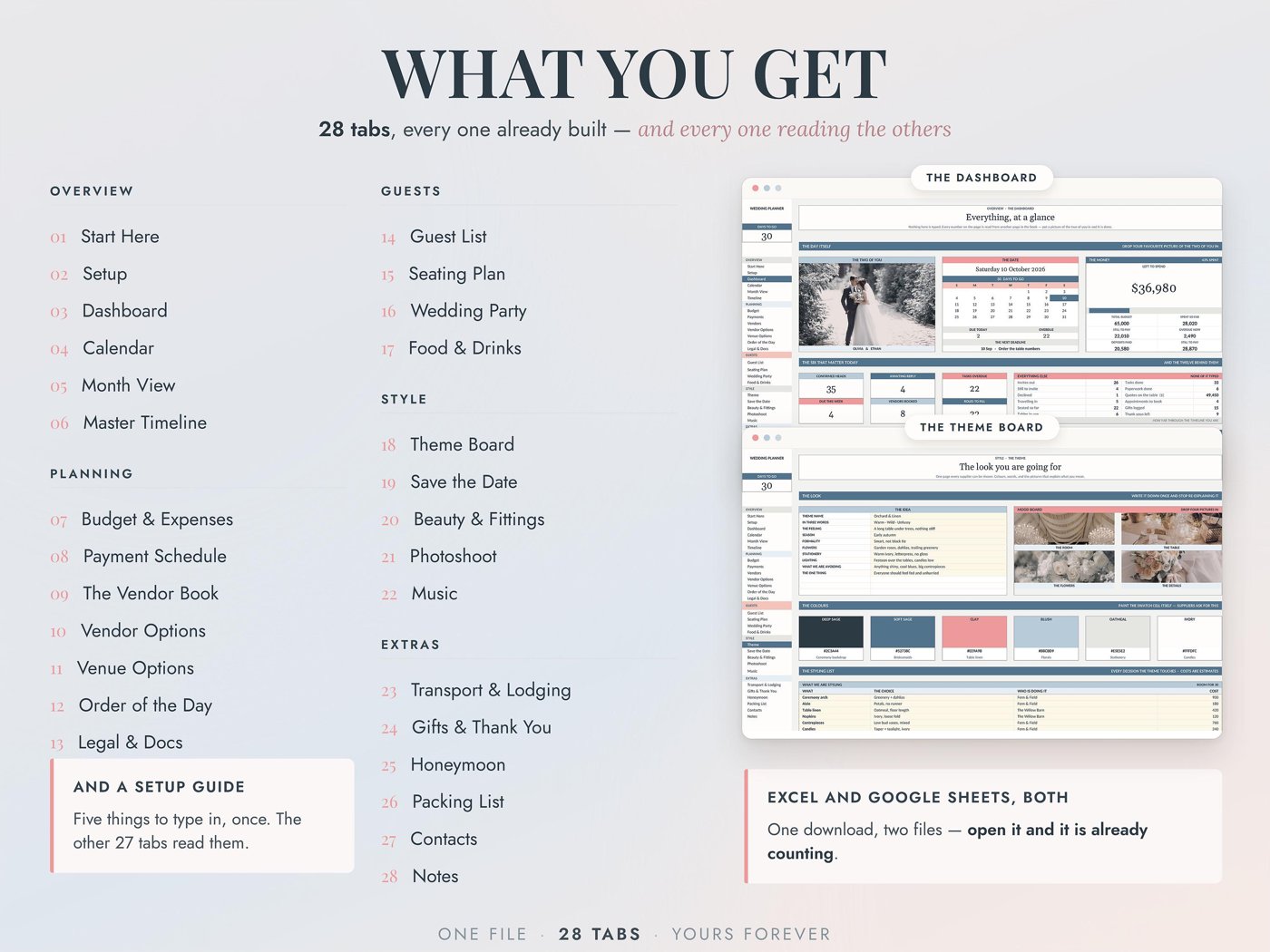

The wedding planner that works in BOTH Google Sheets and Microsoft Excel — type a guest's name once, and twenty-eight tabs already know it.
Most wedding planners are built for one app and quietly break in the other. This one was engineered for both from the start. You get both files. Use whichever you already live in.
Set it up in two minutes: your wedding date, your names, your currency, and your own category names. From there the book runs itself. Add a guest once and they appear on your seating plan, your plate counts, your save-the-date print run and your RSVP totals. Enter your wedding date once and every task on the timeline works out its own due date and drops onto your calendar. Tick a vendor on your shortlist and their contract, balance and phone number are already where you need them.
There is no fixed year in this file. Put in a date in 2026 or 2029 — the whole book counts back from it.
★ WHY THIS ONE
✓ Works in Google Sheets AND Excel — most planners are one or the other
✓ Any wedding date, any year — nothing is hard-coded to a calendar
✓ Type once, it flows — your guest list feeds the seating, the catering and the stationery
✓ 28 tabs that genuinely talk to each other, not 28 separate worksheets
✓ 1,000 guest parties, 480 seats, 490 expense lines, 290 scheduled payments — room for a very big wedding
✓ Any currency — one dropdown changes every money label in the book
✓ Your own words — vendor roles, budget categories, guest tags and meal choices are all yours to rename
✓ A filled-in example copy included, so you never face a blank page
✓ Protected formulas — the cells you type in are colour-coded, the maths can't break
✓ A 28-page illustrated user guide, written in plain English
★ THE ONE MONEY RULE
Read this bit — it is the thing most planners get wrong.
Every real payment is logged in ONE place. Your budget, your remaining balance, your overdue list and your dashboard all read that one place. You never type a number twice and you can never end up with two different answers to "what have we actually spent?"
The costing tabs — Venue Options, Food & Drinks, Beauty & Fittings, Honeymoon — are for working out what something is likely to cost BEFORE you commit. They are your calculator, not your ledger. Once you book, the money goes on the log, once. That separation is deliberate, and it is why the numbers in this file stay trustworthy all the way to the wedding.
★ THE 28 TABS
OVERVIEW
✓ Start Here — a one-page map of the whole book and what to fill first
✓ Setup — the five things every other tab reads: date, names, currency, budget, guest count
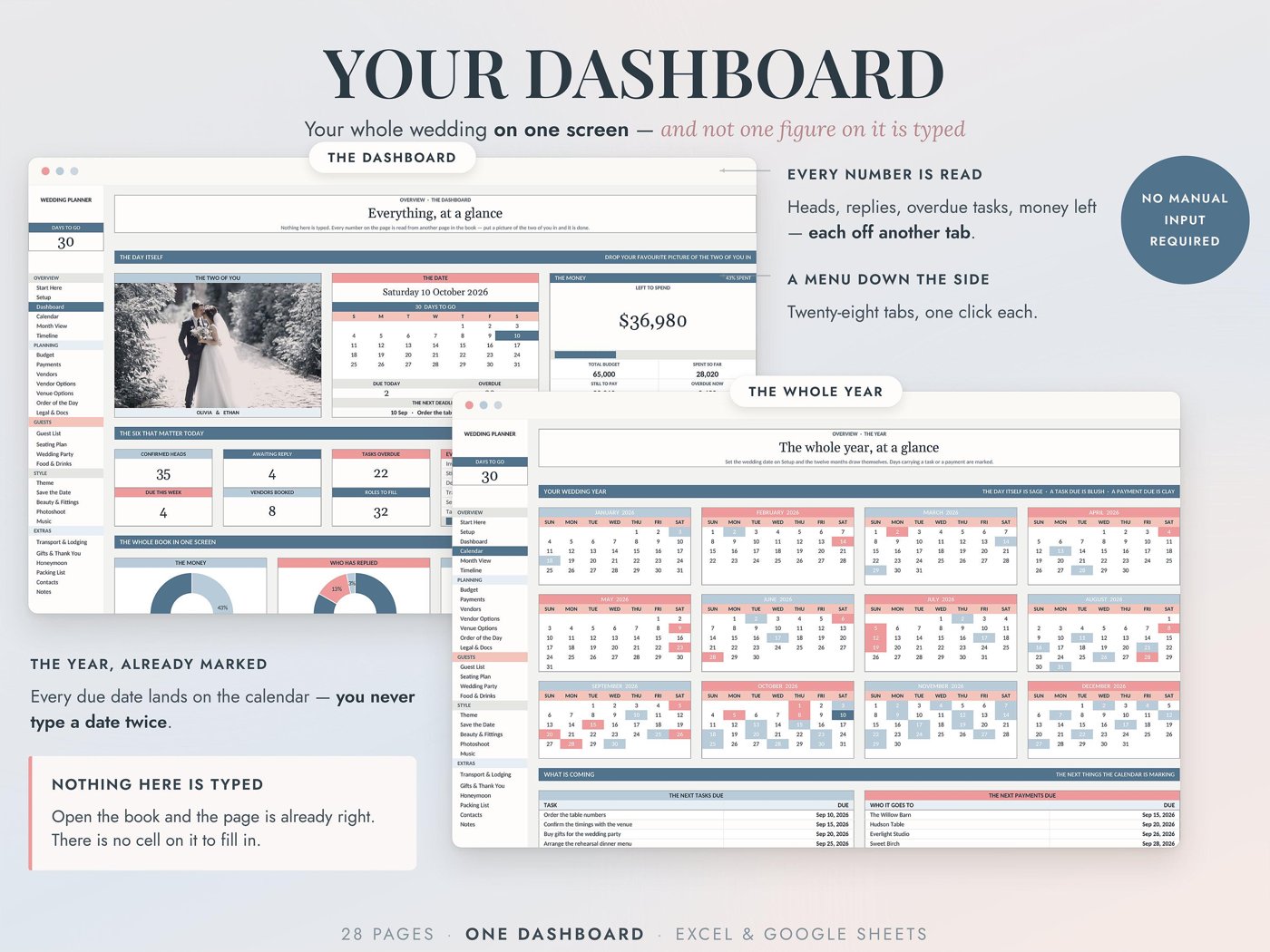
✓ Dashboard — days to go, money, the next tasks, the next payments, RSVPs, on one screen
✓ Calendar — the day itself, every task due and every payment due, marked automatically
✓ Month View — a bigger month grid with room to write what is on
✓ Timeline — a full checklist from twelve months out to the day after, already written for you, every due date counted back from your date
PLANNING
✓ Budget — 40 categories, planned against actual, a 490-row expense log, and two charts that show where you planned it and where it actually went
✓ Payments — 290 scheduled payments, deposits, balances, what is due next and what is overdue
✓ Vendors — 40 roles with quotes, deposits, contracts and balance due
✓ Vendor Options — shortlist six candidates for a role, compare them side by side, tick the one you book
✓ Venue Options — six venues scored on the same criteria, with a full all-in cost breakdown for each
✓ Order of the Day — a 60-line running order for the day itself, arrivals to last song
✓ Legal & Docs — the licence, the contracts, the insurance, the deadlines
GUESTS
✓ Guest List — 1,000 parties, RSVPs, meals, tags, addresses; the list every other page reads
✓ Seating Plan — 40 tables, 480 seats, one line per person, seats free counted live
✓ Wedding Party — both sides, outfits, duties and thank-yous
✓ Food & Drinks — plate counts from your confirmed guests, three menus costed per person, and the bar
STYLE
✓ Theme — the idea, the mood board, the palette and the styling budget
✓ Save the Date — artwork, wording, and what it costs to design, print and post
✓ Beauty & Fittings — appointments, trials, and the morning running order
✓ Photoshoot — the must-have shots and the group shots, so nobody is missed
✓ Music — the five moments, the playlist, and the banned list
EXTRAS
✓ Transport & Lodging — cars, shuttles, hotel blocks, who is travelling in
✓ Gifts & Thank You — 400 gifts with the address for every note
✓ Honeymoon — destination, budget against actual, bookings
✓ Packing List — four bags, 40 lines each
✓ Contacts — your suppliers written in for you, plus everyone else in one place
✓ Notes — six pads for everything that fits nowhere
★ WHAT YOU WILL RECEIVE
✓ A PDF with your Google Sheets link and full instructions
✓ The Excel version as a ready-to-use .xlsx file
✓ A 28-page illustrated user guide
✓ A filled-in example planner to explore before you start your own
★ HOW IT WORKS
Open the PDF and pick your version — Google Sheets or Excel
Fill in the Setup tab: your date, your names, your currency, your categories
Put your guests in the Guest List
Start logging. Everything else fills itself in.
!! PLEASE NOTE !!
Instant digital download — nothing is shipped
For the Google Sheets version you will need a free Google account
The Excel version needs Excel 2016 or newer, Excel for Mac, or Microsoft 365
The two versions are separate files and do not sync with each other — pick the one that suits you
This is a spreadsheet template, not an app or a printable planner
HOW TO DOWNLOAD YOUR FILES
TERMS
Personal use only. Please do not resell, share, redistribute or reproduce this file or its link, in whole or in part, modified or unmodified.
This planner is an organisational tool. It does not provide financial, tax, medical or legal advice, and no advice is implied by any figure it calculates. Please make your own decisions and speak to a qualified professional where it matters.
Every formula and calculation has been tested carefully, but you remain responsible for checking that the numbers in your own copy are correct before relying on them.
© 2026 Xclusivetemplate. All rights reserved.
Instant download. Commercial use on physical products — see the licence. Questions? hello@xclusivetemplate.com